


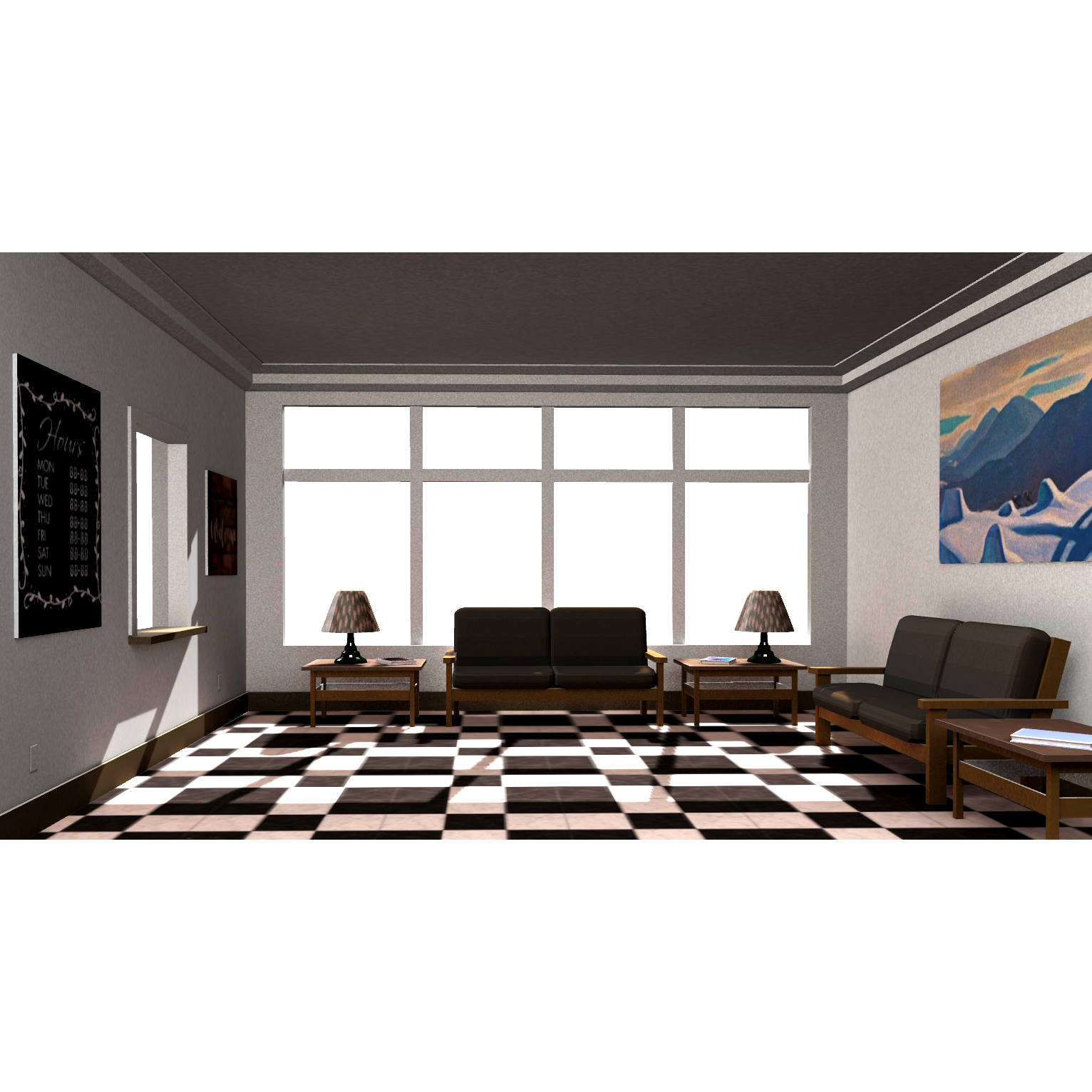
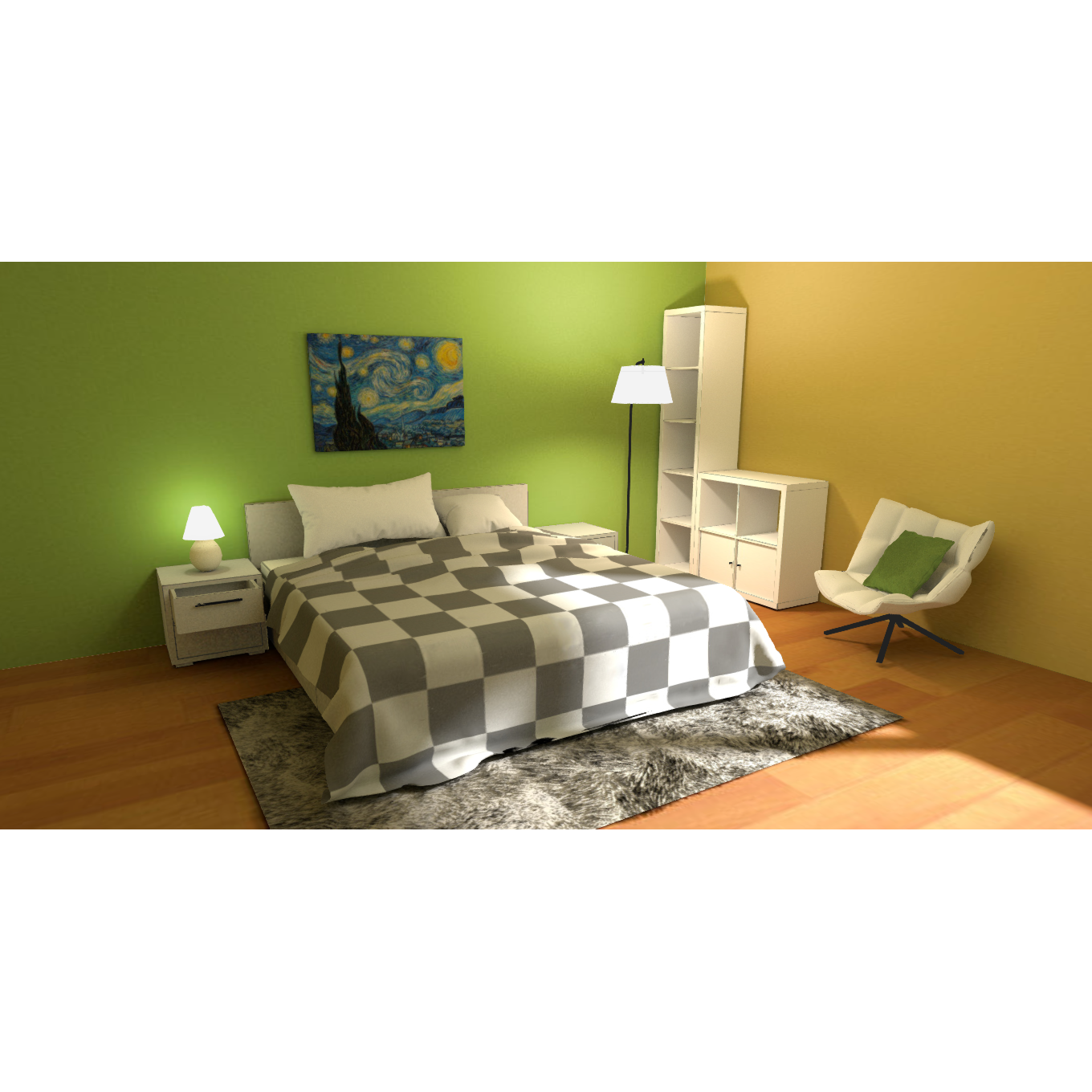
The overall tone conveys a sense of “healing” and “relaxation.” No redundant decorations; items are arranged casually yet neatly, as if someone had just been there. Details like a pillow on the sofa or an open book suggest a recent presence, hinting at life’s traces. These touches fill the virtual space with human warmth and resonate with viewers, evoking a sense of “quiet moments.”
![Image [1]-Quiet Corner-STL0](https://3dhi.com/get_img.php?url=https://file.chuangzaojia.com/user/323/49323/2025/0812/151449qun9Zk5a.png)
Model parameter information:
This page offers Quiet Corner 3D models in blend, fbx, glb, gltf, obj, stl for online preview, AR, XR, teaching, and content creation.
| Model Name Quiet Corner |
Model ID 29388 |
| Download Format blend、fbx、glb、gltf、stl |
Texture Mapping Contains material textures, which can be further edited or rendered in mainstream 3D software after downloading. |
| Animation Data According to the page file instructions. |
View online Support online 3D preview, mobile AR viewing, and XR headset immersion mode. |
| File Size Based on the downloaded file. |
Authorization Statement For learning and communication purposes only, please do not spread or share, and commercial use is strictly prohibited. |

No comments yet